
AI photo prank ideas to film for TikTok and Reels
AI photo prank ideas that work on camera: send a realistic prank photo, film the reaction, end on the reveal. 8 ideas that go viral without hurting anyone.
Quick answer
For a TikTok or Reels AI prank, make a realistic photo of damage to the person's own car, room or tree with ViralPrank, film their reaction when they see it, and end the video on the before-and-after reveal image. Keep it to property, never fake injuries or intruders.
8 prank ideas to send
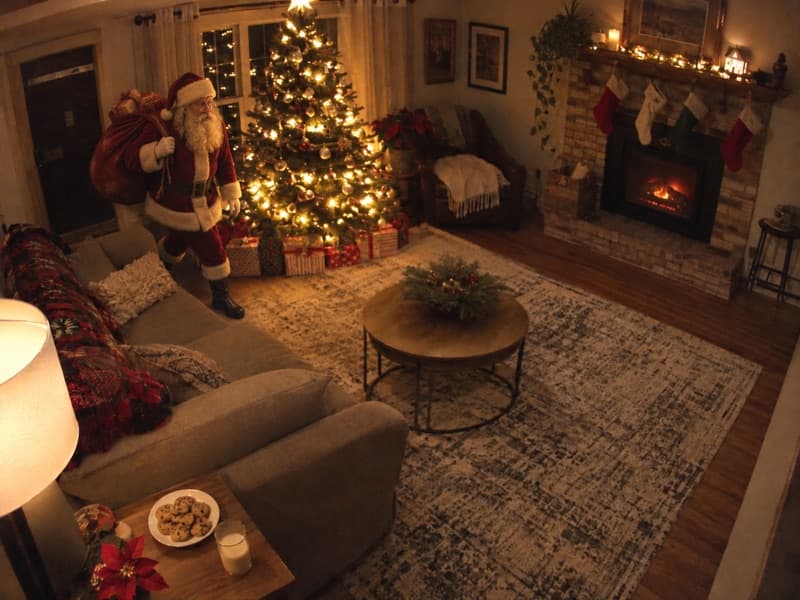
1. Santa caught on camera
Film the kids finding it on Christmas morning.
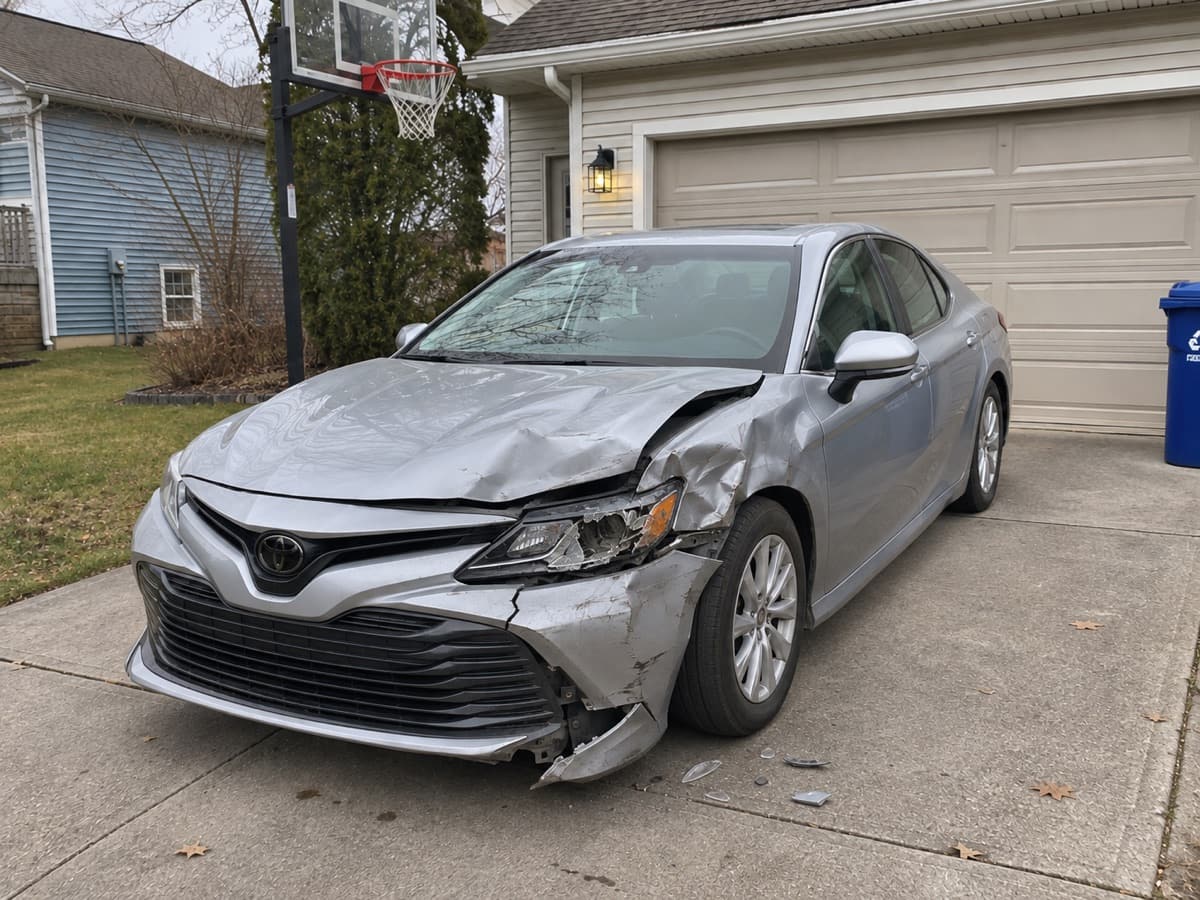
2. Fake Car Crash Picture Generator
The classic reaction video. Say nobody is hurt first.

3. Flooded Bathroom Prank
Big, instant reaction, easy reveal.
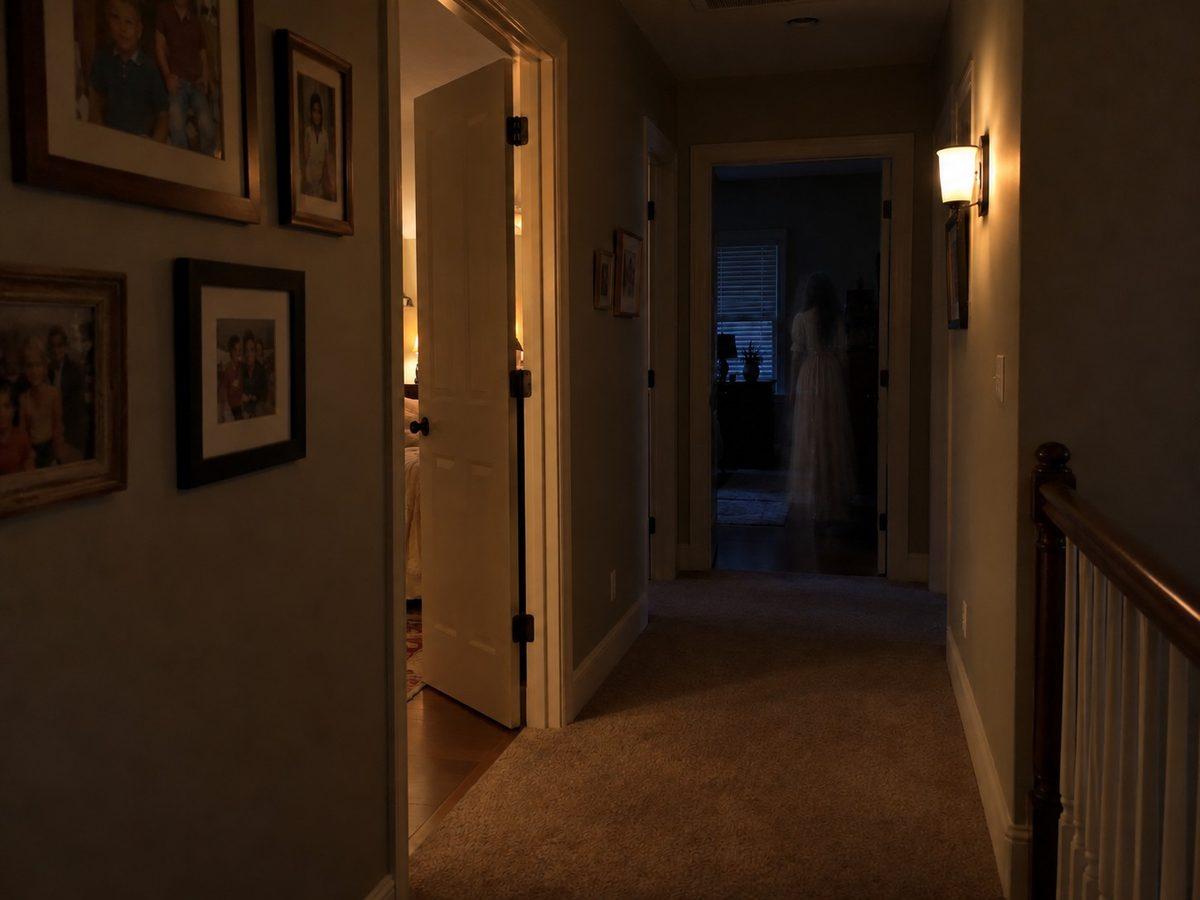
4. Ghost in the hallway
Film the zoom-in moment late at night.
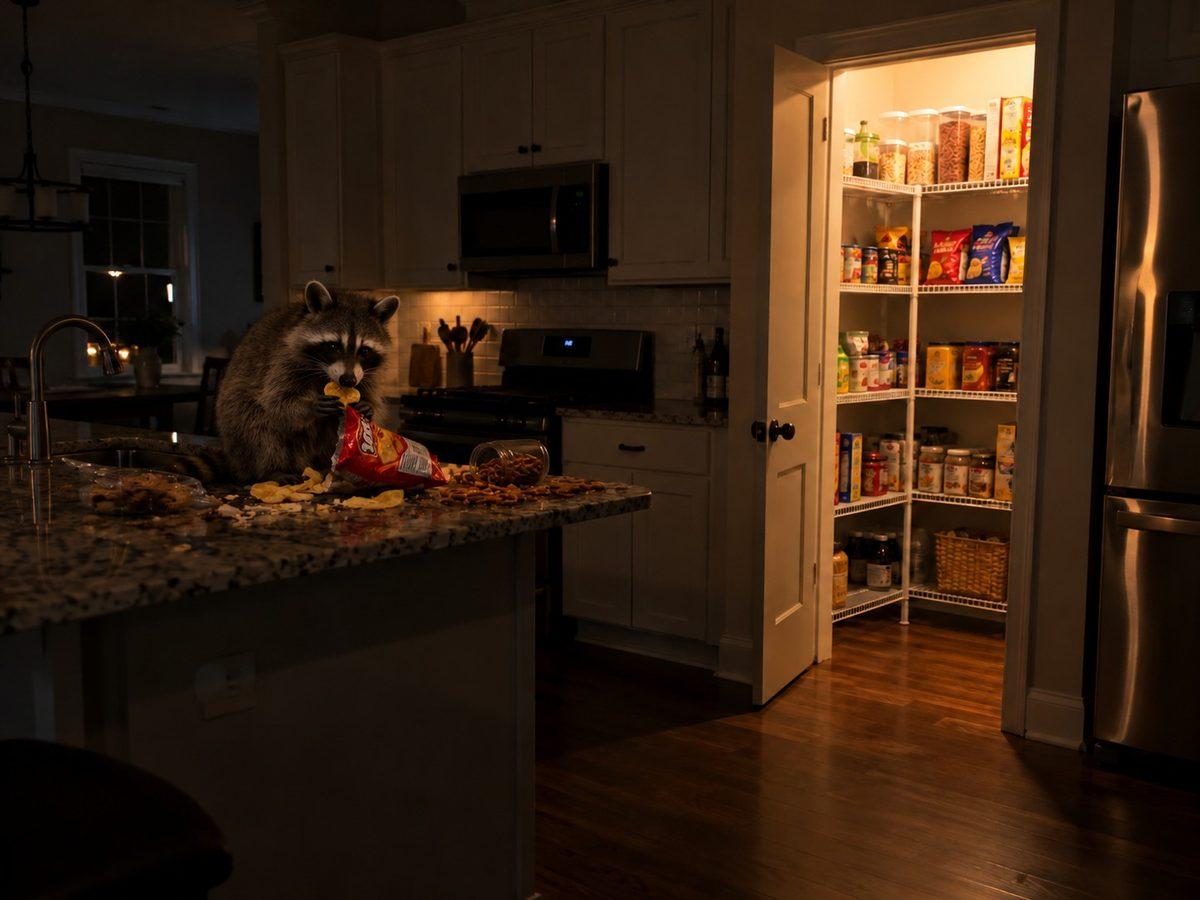
5. Raccoon in the kitchen
Absurd enough to get laughs before the reveal.

6. Phone in Toilet Prank
Perfect for a quick 10-second clip.

7. Fallen Christmas tree
December only. Blame the cat on camera.

8. Cake Disaster Prank
Film it right before the party.
The AI photo prank is one of the biggest prank formats on TikTok and Instagram Reels, because it is cheap to make and the reaction does all the work. You send someone a realistic photo of a disaster in their own space, film their face while they react, and end the video on the reveal. The trend took off with the AI homeless man prank, which went badly: fake strangers in the house led to real 911 calls, and police in several US states issued public warnings. The version that keeps going viral is the one where nothing is at stake except a car, a kitchen or a Christmas tree. ViralPrank builds the photo from a picture of the real place in about 20 seconds, then makes a before-and-after reveal image you can drop in as the final frame.
Why this prank lands
Short videos live on the first second of reaction. A photo of their own car crashed or their own bathroom flooded gets an instant, unfiltered face, and the reveal gives the video a second payoff that makes people watch it twice. Property pranks also stay up: platforms remove videos that fake emergencies or show people in distress, and viewers turn on creators who scare someone for real.
How to send it
Set up the phone to film the person before you send the photo, in landscape on a shelf or held by a friend. Send the prank with one short line, like "don't be mad". Capture the first 10 seconds of reaction, then reveal within a minute. Cut the video as: reaction, the prank photo on screen, the reveal image, their relief. Ask the person before you post it, and never film someone who is driving.
Variations
- Do a series: one prank per family member, same format, posted over a week
- Film it as a duet: post the prank photo first, the reaction video the next day
- Use the before-and-after reveal image as the video thumbnail
- Run a December run: Santa caught on camera for kids, fallen tree for adults
FAQ
What AI prank is trending on TikTok?
AI photo pranks where someone is sent a realistic fake photo and their reaction is filmed. The safest versions that keep trending show damage to things (a crashed car, a flooded bathroom, a fallen Christmas tree) rather than fake strangers, injuries or emergencies.
Will TikTok or Instagram take down an AI prank video?
Videos that fake emergencies, show people in real distress or could cause harm can be removed under platform rules. A property prank with a quick reveal and a person who agreed to be posted is far less likely to be a problem. Label it as AI if the platform asks you to.
Do I need an app to make an AI prank photo?
No. ViralPrank works in the browser on any phone. Upload the photo, pick the prank, and download the result and the reveal image.